Pictogram
Checks a safety data sheet's label against the classification printed in it, and rules on every hazard statement, signal word and pictogram one at a time.
Informazioni su questo modello
What it does
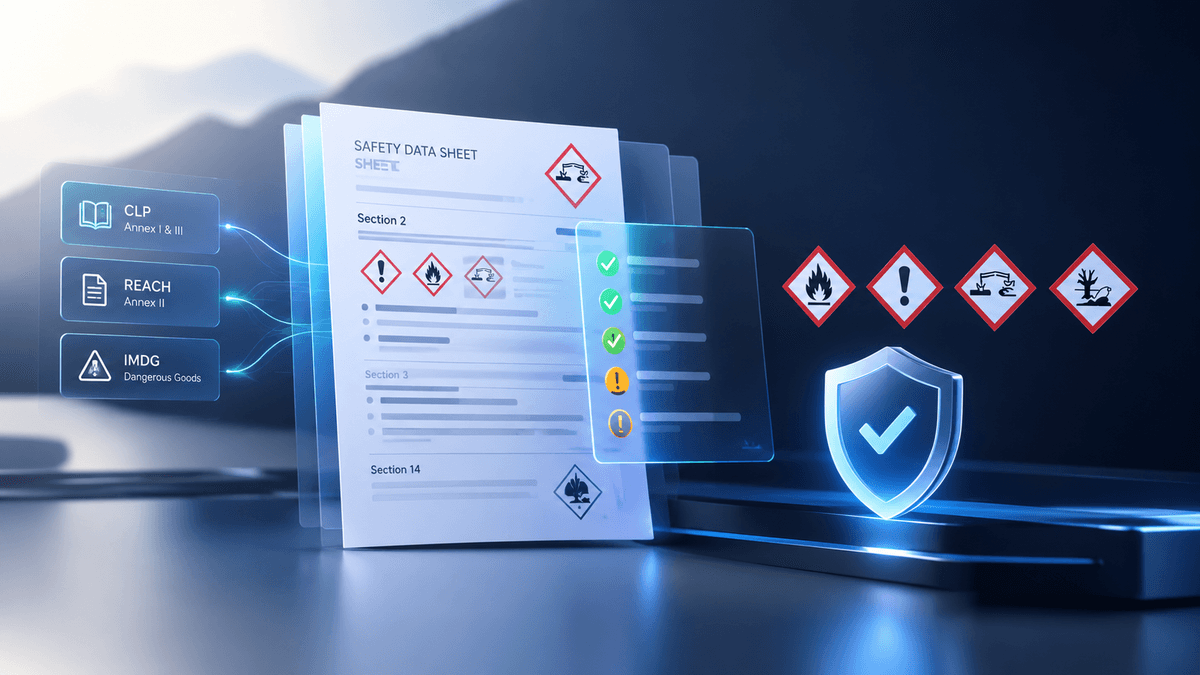
Pictogram reads a safety data sheet — the PDF a supplier sends, or a photo of a printed one — and rules on the label in section 2 against the classification the sheet itself declares:
- Hazard statements — does every H code belong to its category, and is every required one printed?
- Signal word — is it the one the strongest classification demands?
- Pictograms — is the right set on the label once the CLP Article 26 precedence rules are applied?
- Statement texts — does each H, EUH and P text match the code it carries?
- Composition — do the CAS and EC check digits hold, and do the concentrations fit inside 100%?
- Flash point — does section 9 agree with the flammable liquid category in section 2?
- Structure — all sixteen sections, in the order Annex II requires?
- Transport — does section 14 agree with the dangerous goods list?
Every finding cites the article it comes from, so a supplier who disputes it can be shown where it is written.
Why you can trust the answer
The AI only transcribes. It is asked what the document says, never whether the document is right. Every ruling after that is a lookup in pinned regulatory tables or plain arithmetic: the CLP Annex I hazard class table, the Annex III and IV statement catalogues, Article 26 precedence, a check digit, an addition.
Two checks need no reference data at all. A CAS and an EC number each carry their own check digit, so a digit misread in section 3 — the one place an error silently substitutes one substance for another — is caught provably.
Every check comes back pass, fail or unverifiable, never a false "compliant". A sheet that does not print the value a rule needs has not passed that rule, and saying so is the difference between a clean sheet and an unexamined one.
Who it is for
- Regulatory affairs teams issuing sheets under CLP
- EHS teams checking sheets that arrive from suppliers
- Formulators and importers revising sheets across ATP updates
- Distributors screening a catalogue before it goes out
How it works
- Upload the sheet from your dashboard, or send it to the API.
- The check runs in the background; the job page updates the moment it is ready.
- Read the verdict, the findings, and the label the classification actually requires.
What you get back
The transcribed sheet, every check with its citation, and the corrected label — signal word, pictogram set, and each pictogram a precedence rule removed, with the article that removed it. Being told a label is wrong is half an answer; the right one is the other half. Download as JSON, CSV or PDF, and re-download any time free.
Good to know
- Takes PDF, JPEG, PNG, WebP or HEIC: a supplier's PDF or a phone photo both work.
- Billed per sheet. Its length and component count do not change the price.
- Checked against CLP Regulation (EC) 1272/2008. It does not file anything and does not replace a regulatory affairs sign-off.
Caratteristiche principali
Casi d’uso
- SDS label review before release
- Supplier safety data sheet screening
- ATP update re-check across a catalogue
- Import and distribution compliance check
- EHS document audit
Piani tariffari
Piani tariffari
Prodotti correlati


CustomsDoc AI
HS Code suggestion and customs document pre-check from photos, invoices, and packing lists to prevent clearance delays.


Collectible GradeSnap
Pre-grading screening for trading cards, coins, and comics from photos before paying expensive grading fees.


ColdChain Proof
Turn thermometer and data-logger photos into auditor-ready cold-chain compliance proof and excursion reports in under 60 seconds.