Reckoner
Audits a month of fuel-card transactions against twelve arithmetic rules and returns only the lines worth asking about, each citing the value, the limit and the line.
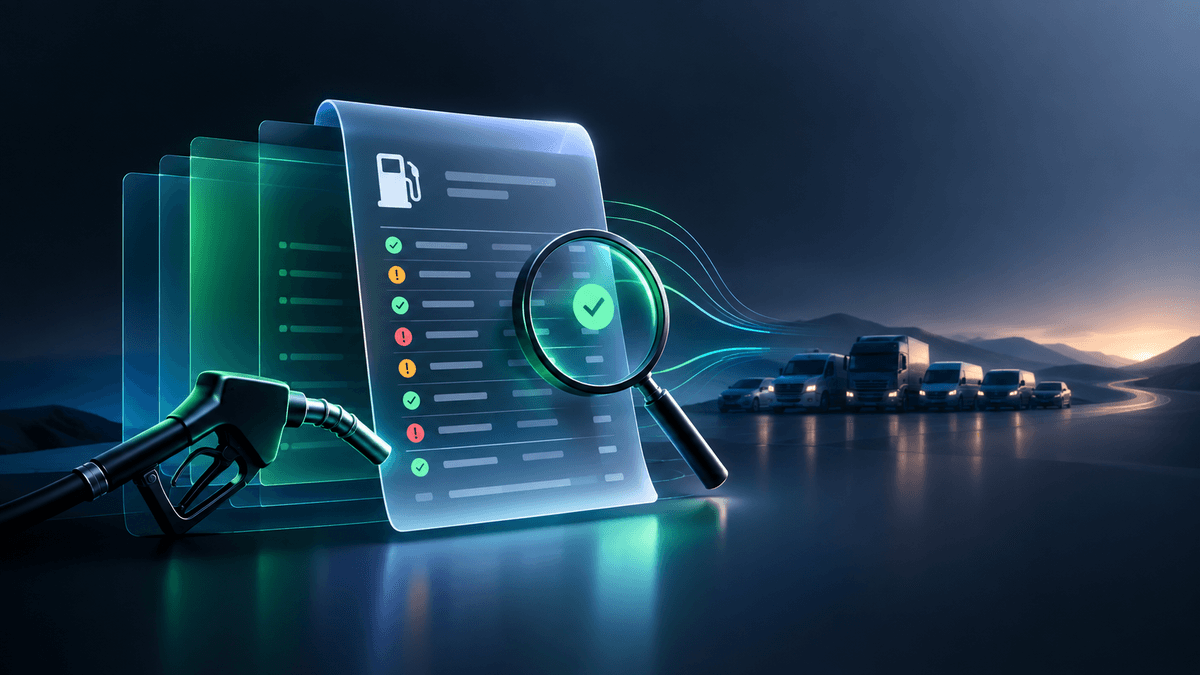
حول هذا النموذج
What it does
Reckoner reads a month of fuel-card transactions and hands back only the lines worth asking about: the fill larger than any tank in the fleet, the card that bought fuel at two sites twenty minutes apart, the purchase charged twice, the odometer that went backwards, the vehicle that drank 25 litres per 100 km, the litre price well above what everyone else paid at that pump.
Fuel fraud runs at an estimated 2–5% of fleet fuel spend, and is almost never found — because finding it means reading nine hundred lines a month.
Why you can trust the answer
Every finding is arithmetic, not opinion. The AI is used to read the statement — never to judge whether a transaction looks suspicious. Verdicts are computed from the numbers on your own document, so it arrives with the value observed, the limit it broke, and the line it refers to.
The statement's own arithmetic is re-derived too — litres × unit price on every line, and the lines against the printed total — so a misread figure shows up as a failed check, not as a confident finding.
Disagreeing with a finding means disagreeing with a threshold you set, not with a machine's judgement.
What it checks
- Impossible volumes — a single fill larger than your biggest tank
- Impossible movements — one card at two sites inside an hour
- Double charges — the same purchase posted twice: refundable money
- Odometer trouble — readings that go backwards, or more distance than the days allow
- Consumption — litres per 100 km outside a plausible band, in both directions
- Price — a litre price above that site's own median for the period
- Wrong fuel — one vehicle taking both diesel and petrol
- Not fuel at all — washes, shop items and fees, invisible inside a total
- Off-hours — fills outside working hours or at the weekend
Every threshold is yours: largest tank, consumption band, working window, minimum gap between fills. They are stored with each report, so an old report stays readable after your limits change.
How it works
Upload the CSV export from your fuel-card portal, or a PDF, scan or photo.
With a CSV, only the first ten lines are ever sent to the AI — just to work out what the columns mean. Every transaction is parsed on our side, so where your fleet drove never leaves the service.
What you get back
Findings worst-first as JSON, CSV or PDF, plus the full ledger as read, so nothing is asserted that cannot be traced to a line. The CSV is the working file: one row per question to ask.
Good to know
- Formats — CSV, PDF, JPEG, PNG, WebP or HEIC, up to 25 MB per file
- Limits — CSV has no practical transaction limit; a PDF, scan or photo is read up to 250 transactions per run, and says so if cut short
- Billing — per transaction audited, charged only when a run succeeds. A statement that cannot be read costs nothing
- Retention — uploads are never stored; reports kept 30 days, free to re-download
الميزات الرئيسية
حالات الاستخدام
- Monthly fuel-card statement review
- Fuel fraud and card misuse detection
- Recovering double-charged transactions
- Driver and vehicle expense checks
- Fleet fuel cost control
خطط التسعير
خطط التسعير
منتجات ذات صلة

CallQA 100
Automated QA scorecards, script compliance, empathy metrics & churn risk analysis for 100% of contact center calls in seconds.


BoatSurvey Snap
Pre-Purchase Boat Photo & Audio Survey for Buyers, Insurers & Marinas — instant hull blister, corrosion, and engine bay inspection.


BlueprintTakeoff AI
Construction Quantity Takeoff from Plan PDFs and Photos in Minutes — instant materials, wall/slab takeoffs, and cost estimates.